
MGM+
Entertainment

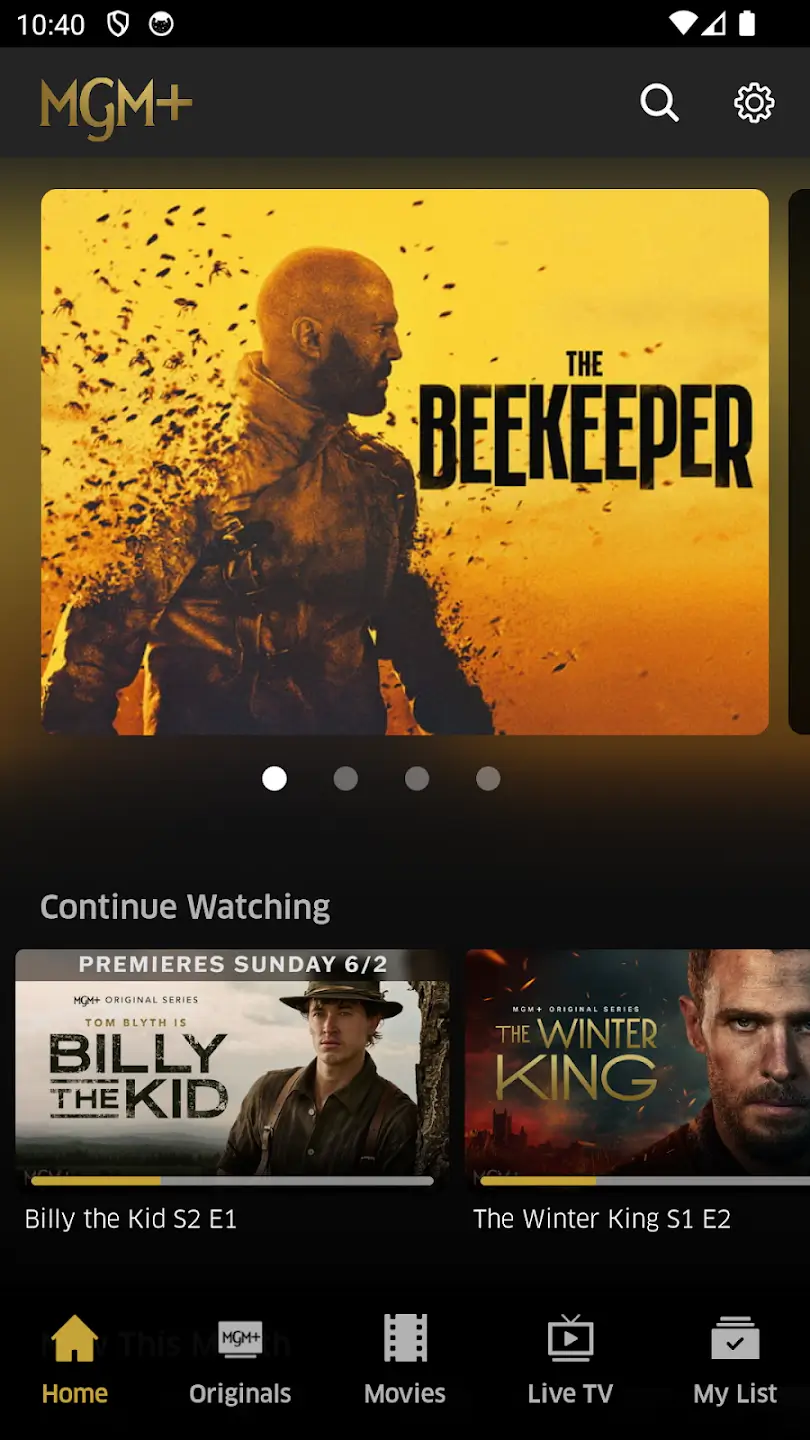
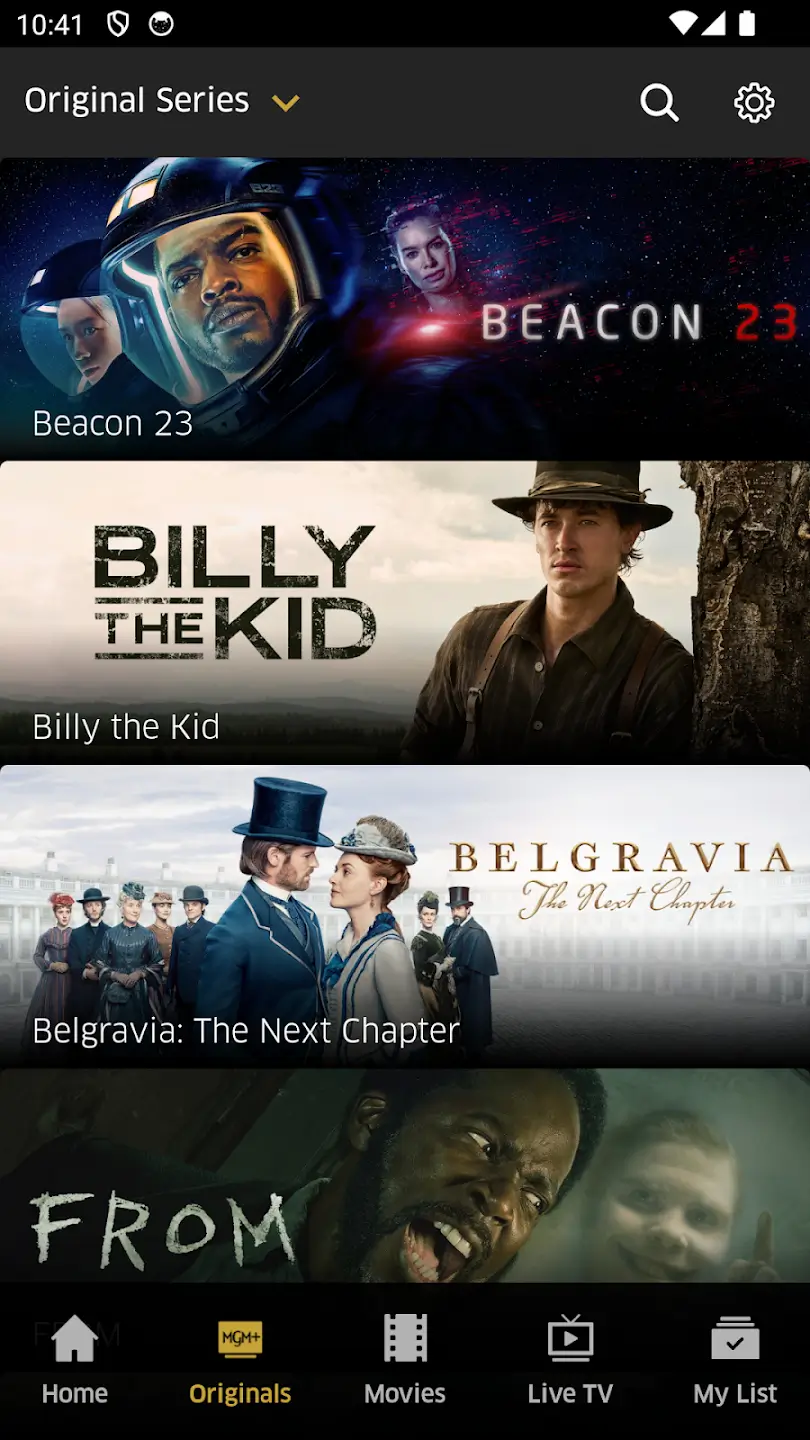
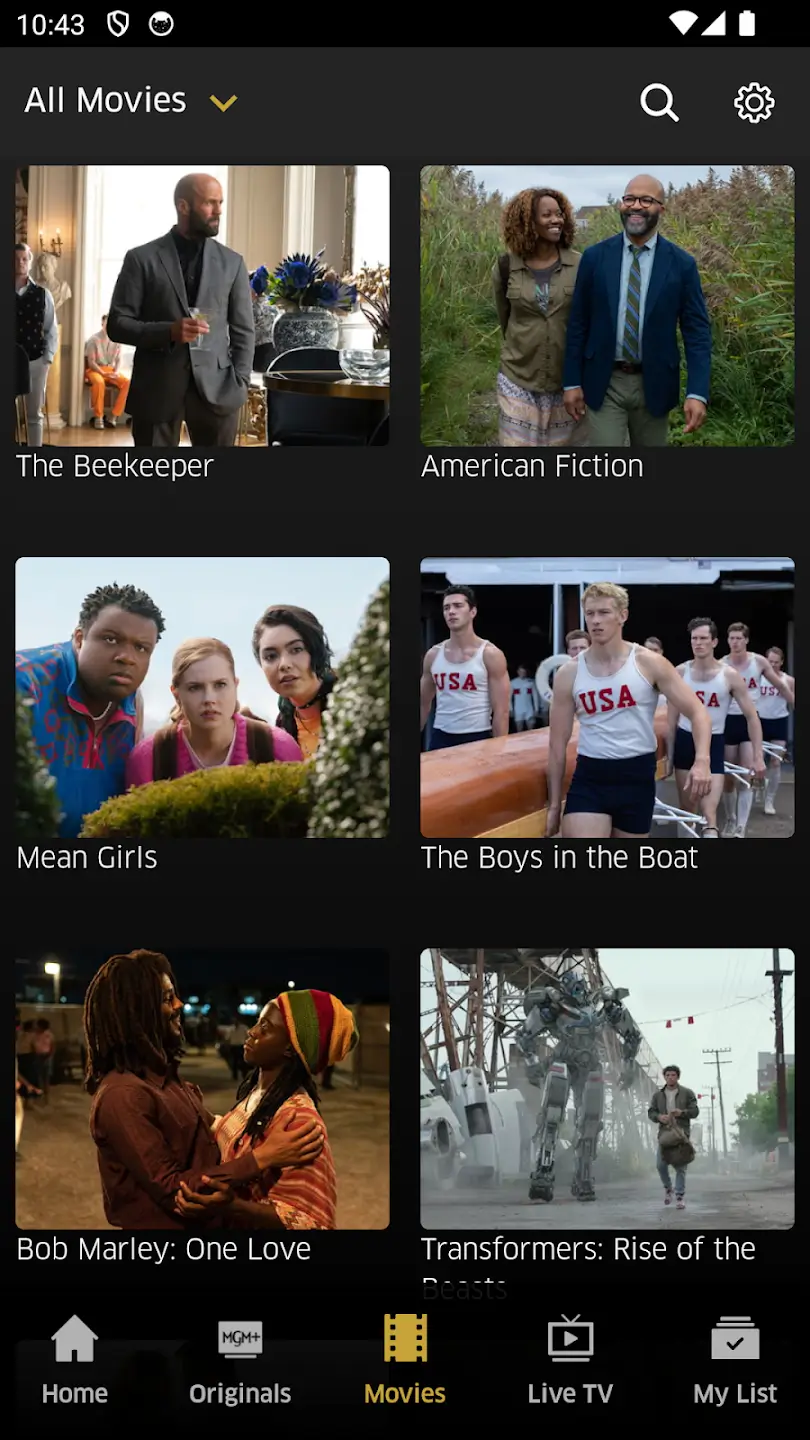

MGM+ is the official streaming app from Metro Goldwyn Mayer, offering a catalog of movies and TV series from one of Hollywood’s most iconic studios. Android users can install the APK directly to access the service without needing a separate store.
This page provides the essential details, installation steps, and practical tips for using MGM+ on your device. All information reflects the latest release as of 1 October 2026.
Quick Information
| App/Game Name | MGM+ |
| Latest Version | 239.1.2026239010 |
| Developer | Not listed |
| Category | Apps / Entertainment |
| App Size | 53.37 MB |
| Package Name | com.epix.epix.now |
| Last Updated | 1 October 2026 |
What Is MGM+?
MGM+ delivers on‑demand entertainment from the MGM library, including classic films, recent releases, and original series. The app functions as a subscription‑based streaming service, letting users browse, search, and watch content in high definition. It is aimed at movie enthusiasts and fans of MGM’s extensive catalog who prefer a dedicated app rather than a web browser.
Key capabilities include personalized watchlists, offline download support for selected titles, and parental controls. The app requires an active MGM+ subscription; it does not provide free content.
Compatibility
| Android Version | Not Verified |
| Architecture (ARM64 / 32-bit) | ✓ Verified — Supports common device architectures |
| Internet Connection | ✓ Verified — May be required for ads, updates, or login |
| Storage Needed | Not Verified |
| OBB/Data Files | Not Verified |
| Root Required | Not Verified |
How to Install
- Enable installation from unknown sources in your device settings (usually under Security or Install unknown apps).
- Download the MGM+ APK file to your Android device.
- Open the downloaded file and follow the on‑screen prompts to install.
- Once installed, launch the app, sign in with your MGM+ credentials, and start streaming.
Troubleshooting
- App not installed: Verify that the APK matches your device’s architecture (ARM or x86) and that you have enough storage space.
- Crashes on startup: Clear the app cache via Settings → Apps → MGM+ → Storage, then restart the app.
- Login issues: Ensure your subscription is active and that you are using the correct email/password. Reset the password if needed.
- Playback problems: Check your internet connection; switch to Wi‑Fi if on mobile data, and make sure you have sufficient bandwidth for HD streaming.
Safety & Security
The MGM+ APK is an official build from the studio, not a modified version. As with any third‑party installation, download the file from a reputable source, scan it with an up‑to‑date antivirus, and review the permissions it requests. Avoid entering personal or payment information if the source cannot be verified.
How MGM+ Compares
| Feature | MGM+ | Netflix | Disney+ |
|---|---|---|---|
| Price / Free model | Subscription‑only | Subscription‑only | Subscription‑only |
| Platform availability | Android, iOS, Web | Android, iOS, Web, TV | Android, iOS, Web, TV |
| Standout feature | MGM’s classic and recent film library | Original series and broad catalog | Disney, Pixar, Marvel, Star Wars content |
| Best for | Fans of MGM movies and shows | General entertainment binge‑watchers | Family‑friendly and franchise fans |
Alternatives
- Netflix – Offers a massive library of original series, movies, and documentaries across many genres.
- Disney+ – Focuses on Disney, Pixar, Marvel, Star Wars, and National Geographic titles, ideal for families.
- Hulu – Provides current TV episodes, classic shows, and a growing selection of original content.
- Amazon Prime Video – Includes a mix of movies, series, and exclusive Prime originals, plus the ability to rent or buy additional titles.
Final Verdict
MGM+ is a solid choice for anyone who wants direct access to Metro Goldwyn Mayer’s film and series collection on Android. The official APK is straightforward to install and runs smoothly on supported devices. It requires a paid subscription and does not offer free content, so users should ensure the catalog matches their viewing preferences before committing.
Frequently Asked Questions
The APK is an official build from MGM, but you should still download it from a trusted source and scan it with an up‑to‑date antivirus.
MGM+ supports Android 6.0 (Marshmallow) and newer, though newer versions provide a smoother experience.
Yes, the app requires an active MGM+ subscription; it does not offer free streaming.
MGM+ allows downloading selected titles for offline viewing, provided your subscription permits it.
This can happen if the APK is corrupted, not compatible with your device’s CPU architecture, or if you lack sufficient storage.
If you already have the Play Store version, you may need to uninstall it first, then install the downloaded APK.
Yes, MGM+ is also available on iOS through the Apple App Store.
Updates from MGM are designed to be compatible, but installing a modified or unofficial build could cause issues.